



Display ads in the advertising network play a key role in building brand awareness, attracting new customers, and enhancing the effectiveness of advertising campaigns. One method of display advertising is the Google Display Network (GDN) campaign. Find out what display ads in the advertising network are and the benefits of using them. Discover why display ads are so important for building a brand image and how you can expand your marketing strategy to include them!
GDN campaign – what is it?
Definition of a GDN campaign
A GDN campaign, or Google Display Network Campaign, is an advertising strategy that enables businesses and advertisers to promote their products, services, or content using graphical and multimedia ads. GDN campaigns allow you to leverage the vast reach of Google’s advertising network to connect with potential customers around the world.
The fundamental element of a GDN campaign is the use of banner-type graphical ads, which are displayed on various websites and mobile applications. These ads can include images, text, animations, and even video, allowing for attractive and creative presentation of products or services. GDN campaigns also offer advanced targeting tools that enable you to reach specific audience groups based on their interests, online behavior, geographic location, and many other factors.
What is the Google Display Network?
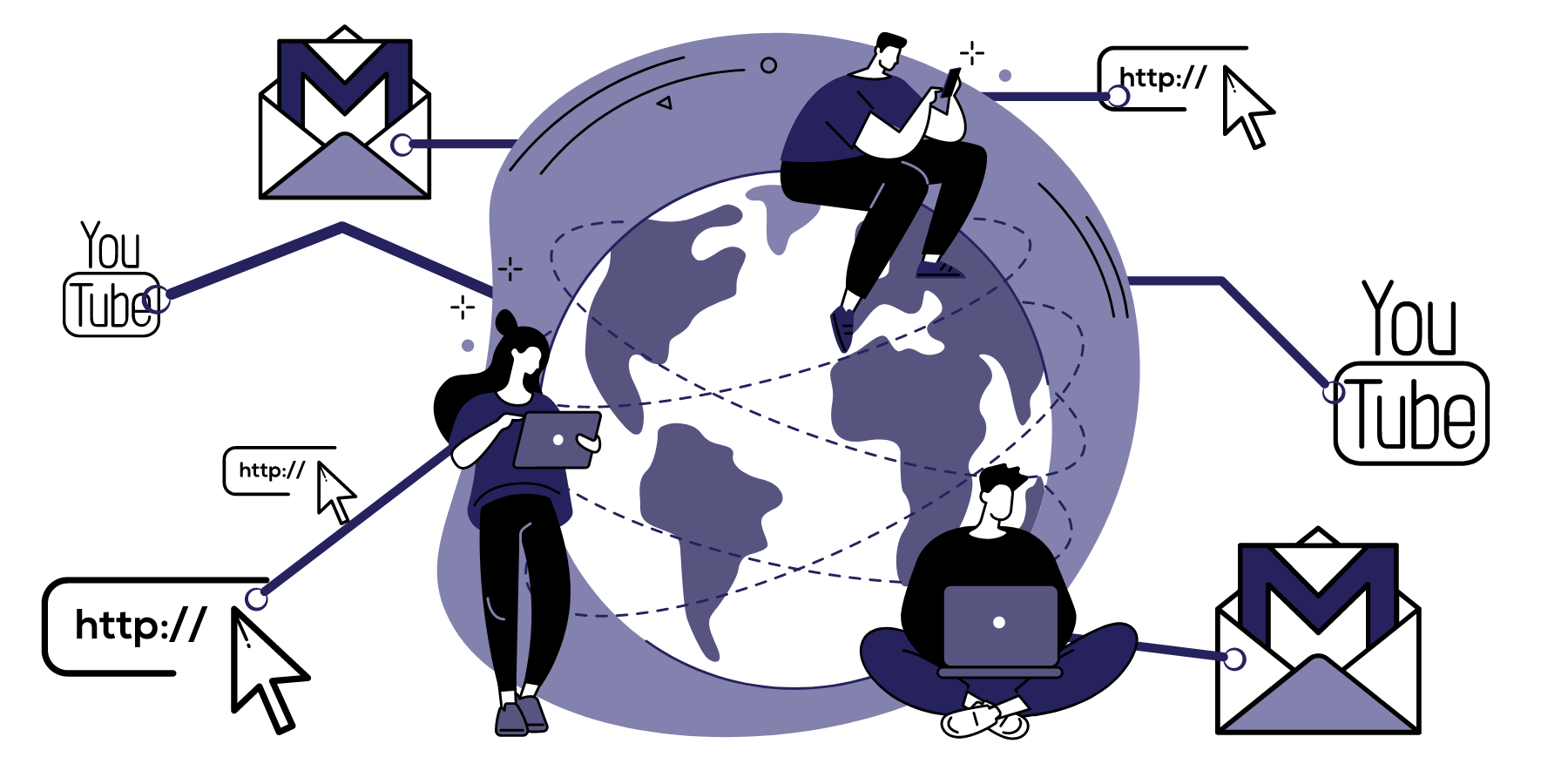
Google Display Network (GDN) is one of the main components of Google’s advertising network. GDN is an enormous advertising ecosystem that allows advertisers to display ads on websites, mobile apps, video platforms, and other places on the Internet. According to Google, the advertising network consists of over 2 million websites, videos, and apps.
How does the Google Display Network work?
Target placements
In display network campaigns, you can specify where you want your ads to appear. Below are a few examples:
Google partner sites: GDN collaborates with many websites that participate in the Google Partner Program. This means that ads can be displayed on those sites that have agreed to host Google ads. Partner sites cover a wide range of categories, from news and entertainment to specialized industries, giving you a broad selection.
Dedicated placements: As an advertiser, you can choose specific websites or apps on which you want your ads to appear. This allows for more controlled and targeted targeting. For example, if you are selling skincare products, you can choose placements on sites related to beauty and health.
Automatic targeting: If you prefer not to select placements manually, GDN offers an automatic targeting option. In this case, Google decides on which sites to display the ads based on the ad criteria and user profiles.
Dedicated devices and locations
Within the Google Display Network (GDN), you have the option to target ads to specific devices and locations, which allows you to tailor your campaigns precisely to the needs and preferences of your potential customers.
- Dedicated devices – GDN campaigns allow you to adjust banner ads so that they are displayed on various devices. This means you can direct your message to users of phones, computers, tablets, and even televisions.
- Dedicated locations – Want to showcase your offer locally? Or does your strategy cover an entire province, country, or continent? GDN allows you to specify the geographic location where you want your ads to be shown.
Why use GDN campaigns?
Reach and visibility: GDN is a vast network of websites, mobile apps, and other online platforms where ads can be displayed. This gives your ads the potential to reach a wide audience around the globe, increasing brand visibility.
Remarketing: Remarketing, or re-engaging users who have previously visited your website, is one of the powerful tools of GDN. It allows advertisers to remind users about their products or services, which can lead to increased conversions.
In GDN campaigns, it is worth considering the use of dynamic remarketing. You can read about it in our article:

Remarketing and dynamic remarketing in Google Ads
Measurement and Analysis: Like other types of Google campaigns, GDN enables precise analysis of ad performance and allows you to adjust your marketing strategy based on these insights.
Diversity of Placements: GDN enables you to choose placements, such as specific websites, mobile apps, geographic locations, and many others. You gain complete control over where your ads are displayed.
Global Reach: If you operate in the international market, GDN allows you to reach users in various countries and regions, which is crucial for international expansion. Even if you focus solely on the local market, GDN helps you avoid wasting your budget by displaying ads only within your area of interest!
The Ability to Incorporate Visual Elements: GDN allows for the creation of attractive graphical ads that can effectively capture users’ attention and build brand recognition.
Before You Start Your Campaign
Analysis
Campaign Goals
Before launching a campaign, it is essential to clearly define your advertising objectives. Do you want to increase brand awareness, generate more conversions, boost website traffic, or achieve something else? Clearly defined goals will help you later fine-tune your campaign strategy.
Target Audience
A thorough analysis of your target audience is a key element for the success of any campaign. Consider who your ideal audience is. Define demographics, interests, shopping habits, and other factors that will help you tailor your ad content to the specific needs and preferences of potential customers.
Budget
Determining your advertising budget is a crucial step. You need to decide how much you are willing to allocate to the campaign, both on a daily basis and in total. Ensure that your budget aligns with your goals and financial capabilities.
Graphics
Choosing the right graphic sizes
Google Display Network supports various sizes of ad graphics. Before launching your campaign, make sure that the prepared graphics meet the GDN ad format requirements.
Guidelines for designing attractive graphics
Ad graphics should be attractive and attention-grabbing. Pay attention to aesthetics, readability, and consistency with your brand. Use appropriate colors, images, and graphics that convey the essence of your product or service.
Google’s guidelines for graphics
Google provides guidelines for designing ad graphics. Familiarizing yourself with these is important to meet the quality and technical requirements of the platform. Make sure your graphics comply with these guidelines.
You can find Google’s guidelines for graphics HERE.
Campaign setup
- Location settings: Specify the geographic location where you want your ads to be displayed. You can choose regions, countries, or specific cities.
- Language settings: Choose the language in which your ads will be displayed to reach the appropriate audience.
- Defining the target audience: Select the target audience you previously defined, taking into account demographics, interests, and other criteria.
- Budget and schedule: Set up your daily advertising budget and specify whether you want the campaign to run 24/7 or during specific hours.
- Bidding strategy: Choose an appropriate bidding strategy.
- Choosing ad placements: You can specify the exact websites or apps where your ads should be displayed, or let Google’s algorithms automatically select the best placements based on your target audience.
- Ad Configuration and graphic selection: Add your ad content and the selected graphics that you prepared earlier. Ensure that they comply with Google’s GDN ad guidelines.
Monitoring and optimization
After launching your GDN campaign, it is essential not to leave it unattended. Here are the steps you should take at this stage:
- Performance tracking: Monitor campaign performance metrics such as CTR, number of conversions, CPA, or CPC. You can read more about the key metrics in Google Ads campaigns in our article:
[related_article nr = “4816”] - Ad optimization: Compare different ad variants in terms of performance. Test various headlines, content, CTAs (Call to Action), and graphics to identify the best combinations (A/B testing).
- Target audience optimization: Focus on the audience segments that respond best. If targeting a specific location, demographic, or interest yields better results, adjust the campaign to reach those audiences more effectively.
- Budget optimization: If the campaign is achieving the desired results but the budget is limited, consider increasing the budget to fully capitalize on the advertising potential.
Summary
A successful GDN campaign requires solid planning, performance tracking, and continuous refinement of the strategy. It is important to invest time and resources into understanding how the advertising network works and to adapt your ads to the evolving needs and expectations of Internet users. It is also worth remembering that the success of a campaign on the advertising network depends not only on its creativity but also on detailed data analysis and continuous improvement of the marketing strategy. With the right approach, GDN can become an integral part of your company’s success in the online market.
If you want to expand your marketing strategy to include GDN campaigns but don’t know where to start – trust the specialists. As WP Care, we hold the status of an official Google Partner, which guarantees the high quality of our services. We will audit your campaigns and suggest the necessary changes. And if you don’t have the time to implement the changes, we’ll do it for you!
Contact us, and we will surely help you!
Check out our offer





















































